
A combination body contouring machine can look attractive on a product sheet: two technologies, multiple applicators and one touchscreen. But a longer feature list does not automatically make a better product for your market.
For distributors and private-label brands, the important questions are practical. What can the selected configuration actually do? How clearly can operators understand it? And what support will be available after delivery?
This guide explains what to compare before ordering an EMS + ENDO machine.
1. Start with Your Customers’ Working Requirements
Define the intended buyer before comparing specifications.
A salon with one treatment room may prioritize a compact cabinet and straightforward operation. A distributor supplying several clinics may place greater value on consistent configurations, training materials and replacement parts. A private-label brand may also require its own interface, appearance and packaging.
Prepare a short purchasing brief covering:
- Target customers and destination market
- Available treatment-room space
- Required body and facial applicators
- Expected daily use
- Interface and training languages
- Branding requirements and initial quantity
A clear brief makes quotations easier to compare and helps prevent unnecessary features from increasing the cost.
2. Understand the Role of Each Technology
EMS and ENDO should have clearly defined roles within the equipment.
In this product category, EMS commonly refers to an electromagnetic muscle-stimulation system. ENDO refers to a motor-driven mechanical roller system used for professional massage applications.
Ask the supplier to explain the operating principle of each module rather than relying on product names alone. Similar labels can describe different hardware.
The equipment demonstration should also distinguish between individual operation, staged use and any supported simultaneous operation. A two-function product description does not establish which combinations can run together.
3. Verify Independent Control and Operating Capacity
“Dual channel” and “independent control” need precise explanations.
Ask how many applicators can be connected, how many can operate at once and which settings are independently adjustable. These are separate questions.
For example, two connected applicators may share a program, or they may allow separate intensity settings. Similarly, an EMS module and a roller module may each have their own controls without every operating combination being supported.
Request a demonstration of the exact configuration you intend to purchase. Confirm the supported operating combinations in the quotation or technical specification.
4. Compare Applicators as Carefully as the Main Unit
Applicators directly affect the operator’s daily experience.
For the roller handpiece, assess grip comfort, weight, cable reach, access to controls and ease of cleaning. Ask which roller materials and sizes are included, and whether additional rollers are optional.

For EMS applicators, check placement accessories, cable organization and the manufacturer’s instructions for positioning and use.
A useful demonstration should show a full working sequence: connecting the applicator, selecting settings, adjusting operation, stopping the session and preparing the equipment for the next appointment.
Close-up photographs are helpful, but they cannot replace a working demonstration.
5. Ask How the Equipment Handles Repeated Use
A showroom demonstration may be brief. Your customers may use the equipment repeatedly throughout the day.
Ask the manufacturer to explain cooling arrangements, temperature monitoring, permitted operating periods and any required pauses. Request the relevant instructions or test records where available.
Clarify what the operator sees if a temperature limit or connection fault occurs. Clear messages and documented recovery steps can make troubleshooting easier.
Avoid comparing machines by a single headline number. Input power, module output and applicator performance describe different things and should be identified separately.
6. Review the Interface and Training Package
An interface should help operators identify the active function, selected channel and current settings without confusion.
During evaluation, check whether:
- Channel selection is clearly visible
- Adjustable settings are easy to distinguish
- Start, pause and stop controls are understandable
- Translations are consistent across screens
- Fault messages explain the next action
Ask for training materials that match the delivered model and software version. A general catalogue or demonstration video may not cover the configuration your customers receive.
7. Confirm After-Sales Support Before Ordering
After-sales arrangements deserve the same attention as the purchase price.
Confirm the warranty scope, diagnostic process, replacement-parts availability and responsibility for shipping costs. Ask which components a trained local technician can replace and which issues require factory assistance.
For distributors, also discuss how future orders will be kept consistent. Changes to applicators, connectors, software or cabinet design should be communicated clearly so that local support remains manageable.
8. Put OEM and ODM Requirements in Writing
Branding can involve more than adding a logo.
Define whether your project includes cabinet colors, interface languages, startup screens, packaging, accessories or changes to the product structure.
Separate standard options from development work. Agree on sample approval, development charges, order quantities and delivery milestones before production.
The approved specification should identify the hardware, applicators, software language and branding details included in the order.
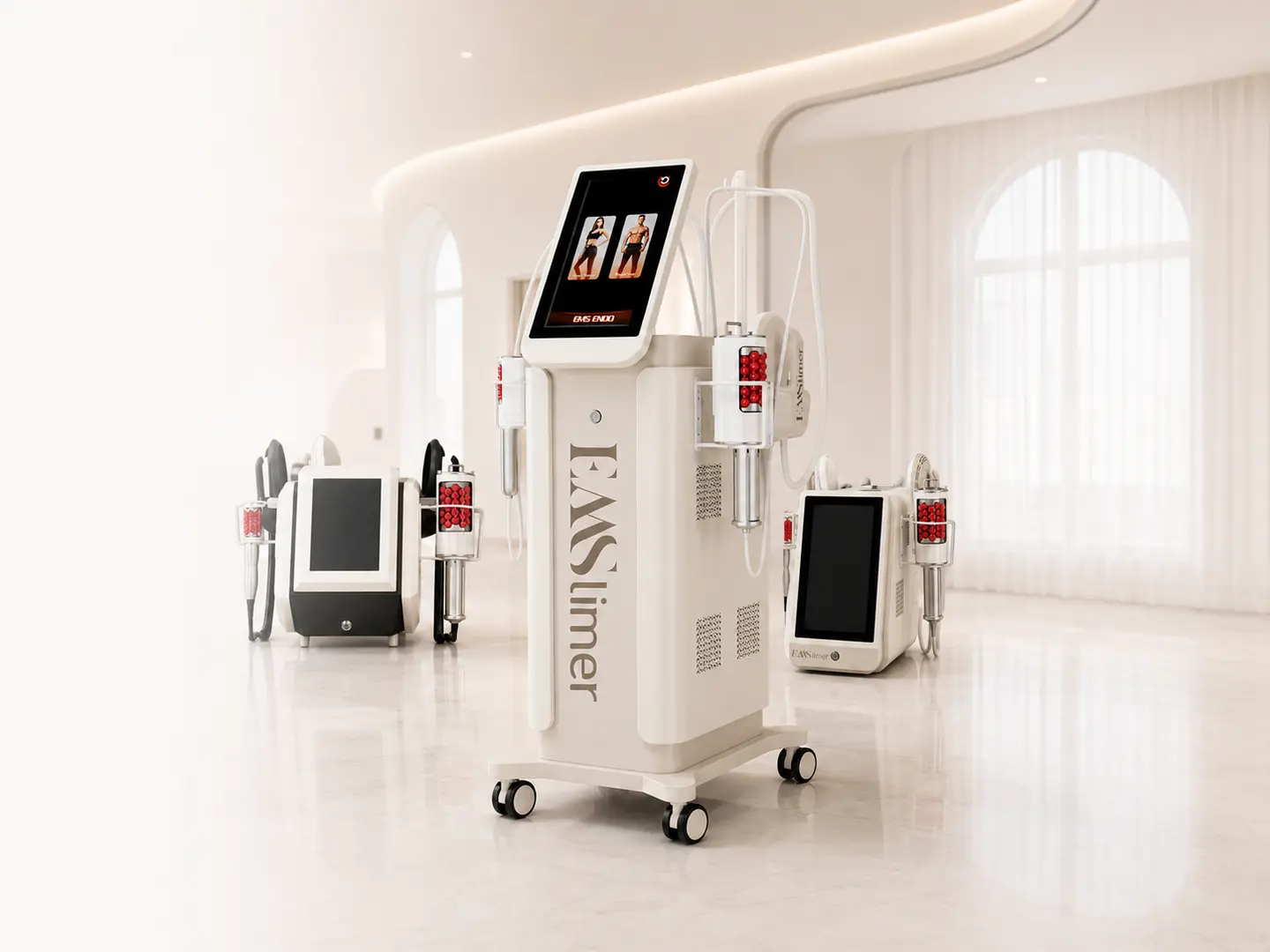
EMS + ENDO Platforms with MAXWELL Keşfedin
MAXWELL offers an EMS + ENDO equipment range and OEM/ODM cooperation options for distributors and beauty equipment brands.
To compare suitable configurations, send us your target market, preferred machine format, required applicators, interface languages and expected order quantity.
Contact MAXWELL to request configuration details and discuss your project.
 Buying Guides
 Buying Guides
 Buying Guides